AI MULTIPLE FACE SWAP
FOR GROUP PHOTOS
Swap several faces in one shot. Our multi-face AI detects up to 10 faces in group photos and videos — choose who to swap and get full-quality results.
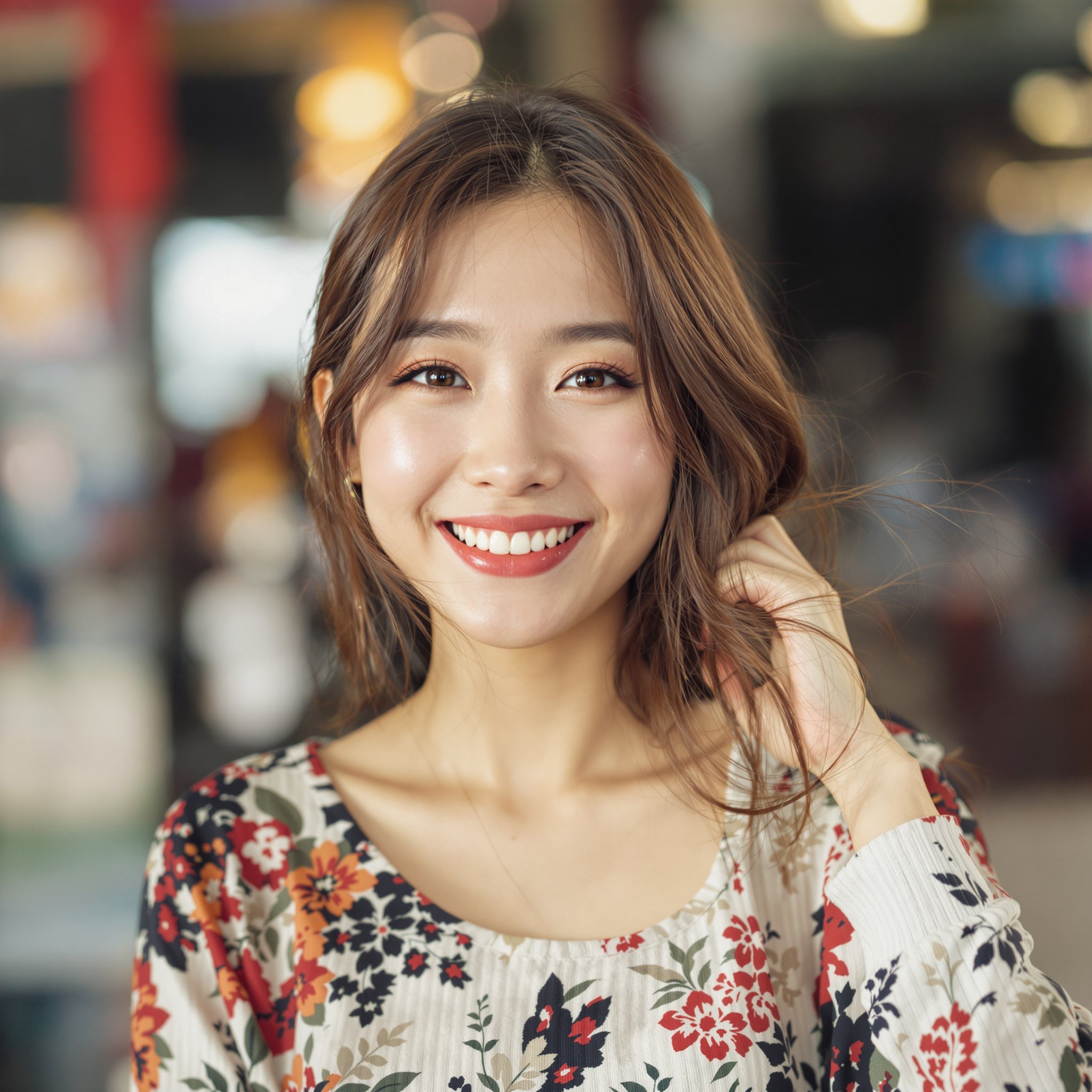
Source Face
Target video
Result
Upload your source face, choose a target video,
and watch our AI create the perfect blend!
Swap Multiple Faces in One Photo or Video
Group photos and videos with multiple people no longer limit what you can create. FaceSwapper uses advanced multi-face detection AI that identifies every face in your image, letting you choose exactly which faces to swap — and which to leave untouched.
Whether it's a family portrait, a wedding photo, a team picture, or a candid party shot, the process is simple: upload your group photo, and the AI instantly detects all visible faces. Then you select the faces you want to replace, send your source images, and each face is swapped individually with full quality processing.
Perfect for Every Group Scenario
- ● Group photos — swap one person or everyone in a single image
- ● Family portraits — create fun variations with different faces
- ● Wedding photos — swap faces across group shots effortlessly
- ● Party and event photos — handle crowded scenes with up to 10 faces
- ● Batch processing — swap faces across multiple images in bulk for large projects
Each face is processed individually, which means lighting, skin tone, and angle adjustments are tailored per face for the most realistic result possible. No quality is lost when swapping multiple faces compared to a single swap.
Learn more in our guides on multiple face swap and batch face swapping.
Trusted by 180,000+ users
who have generated millions of face swaps to date
Telegram User #82741
"This is the most amazing uncensored face swapper I've ever used! The results are incredibly realistic."
Telegram User #99214
"Lightning fast! I got my face swapped video in under 30 seconds. Absolutely mind-blowing quality."
Telegram User #55003
"Finally a face swap tool that actually works on videos! No other app comes close to this quality."
Telegram User #46812
"The fact that it works directly in Telegram is genius. No downloads, no hassle, just amazing results."
Telegram User #12004
"The resolution is insane! 1080p face swaps that look professionally edited. Worth every credit!"
Telegram User #71560
"Best $5 I've ever spent. The quality is better than apps that charge $30/month subscriptions!"
Telegram User #60331
"Works flawlessly on photos, videos AND gifs. This is the only tool you'll ever need for face swapping."
Telegram User #91990
"No censorship, no restrictions. Finally a tool that lets me create exactly what I want without limitations!"
Telegram User #27108
"The AI is incredibly smart. It handles multiple faces, different angles, everything perfectly!"
Telegram User #38155
"I use this for my content creation and my followers can't even tell it's face swapped. That's how good it is!"
Telegram User #83002
"The swap quality on GIFs is unbelievable. I make memes for my channel and this is a game changer!"
Telegram User #11487
"I've processed over 200 videos and every single one came out perfect. Consistency is amazing!"
One Face, Endless Possibilities
Swap faces in photos, videos, and GIFs with just one source image
Your Source Face
Transforms Into
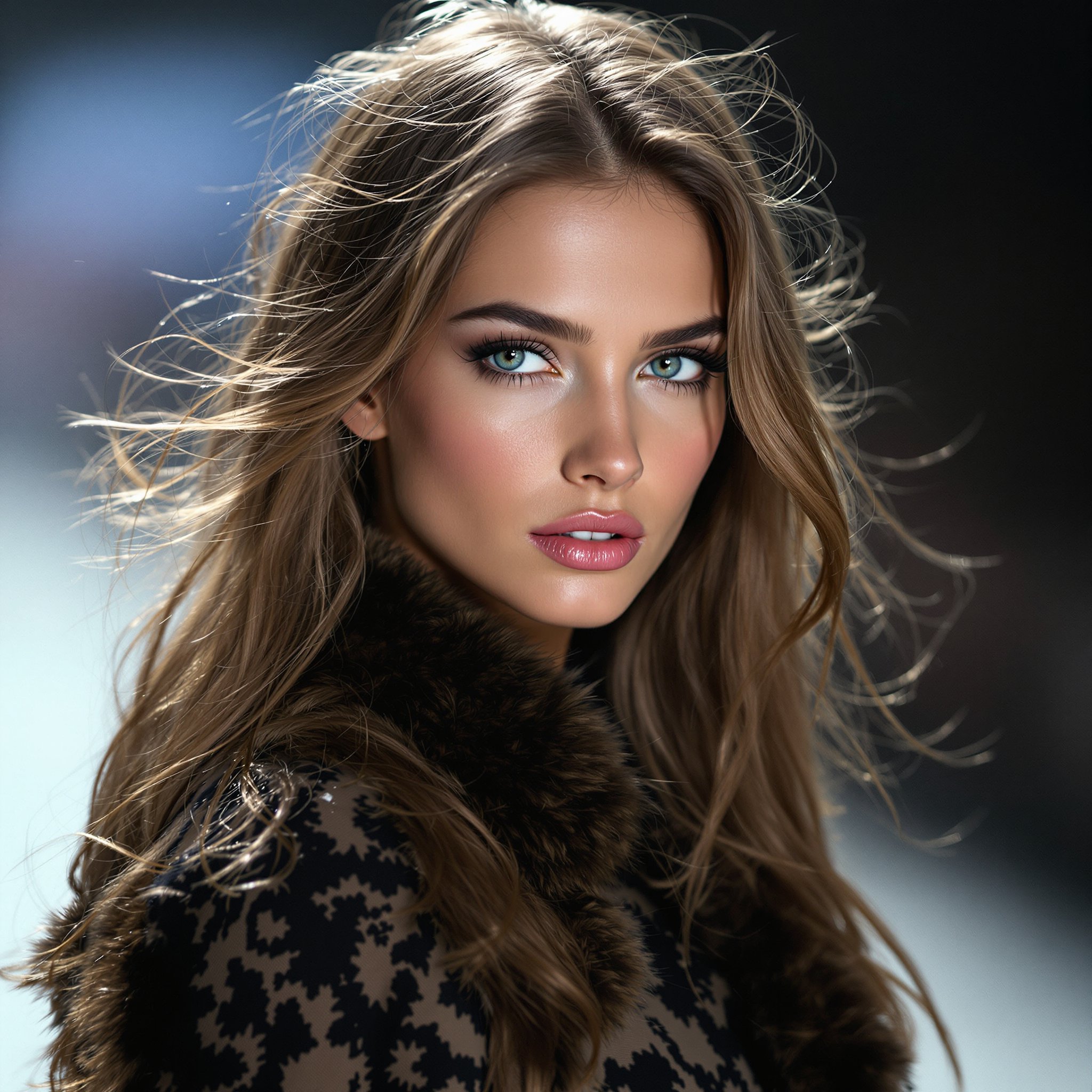
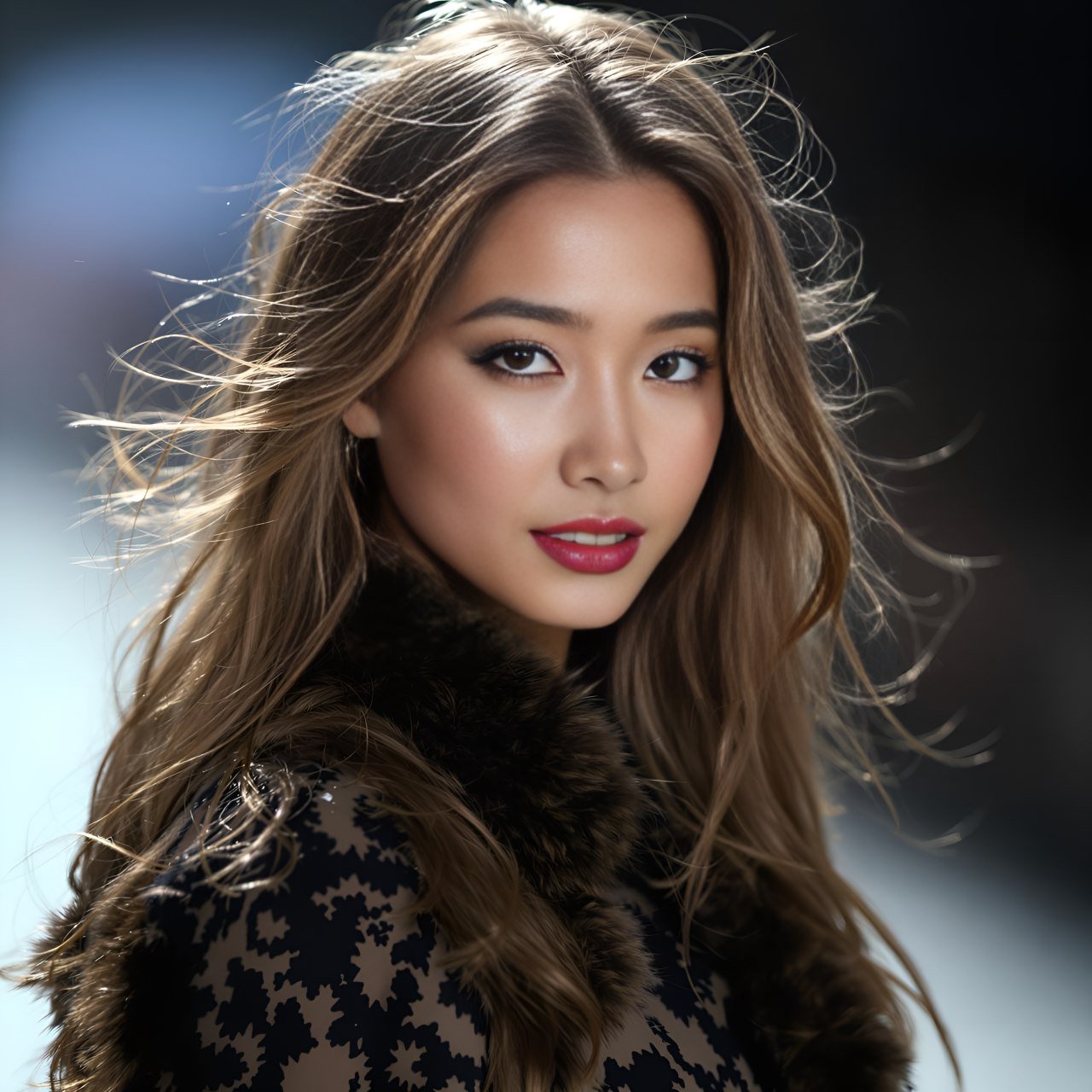
Photo Face Swap
Video Face Swap

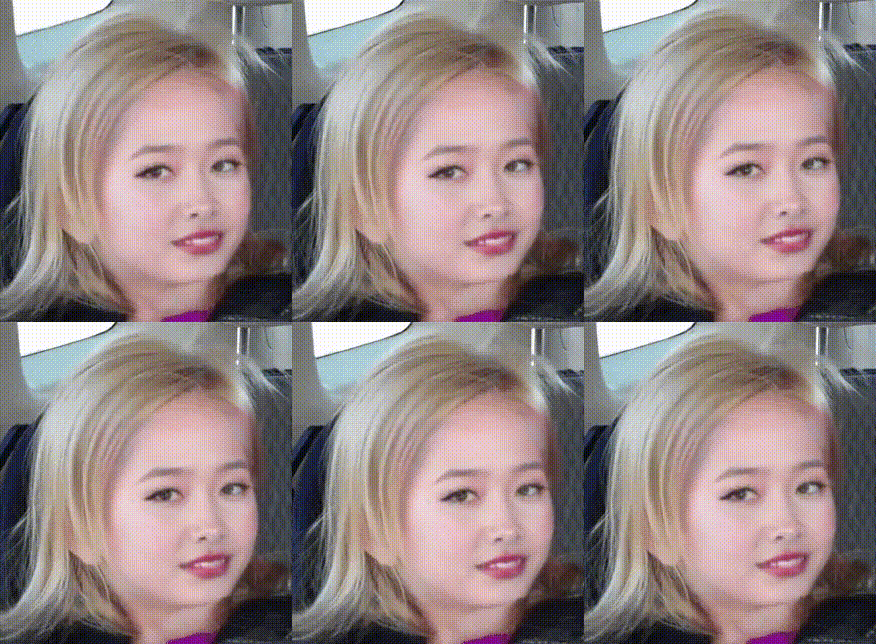
GIF Face Swap
Why FaceSwapper is the New Level
Face Swap Tool for Video
Accurate Face Recognition
Identify faces quickly and accurately with 106-point facial landmark detection for perfect swaps.
Complex Faceswap
Handle complex swaps using 3D face reconstruction and depth maps.
High Resolution Output
Enjoy 1080p face swaps with stunning clarity. 4K resolution is coming soon.
User-Friendly Interface
Achieve amazing results with just a few clicks—no downloads or skills needed.
3 Easy Steps to Create Stunning Face Swap Results
Replace face in video or photo at your fingertips with the best AI face swap.
1. Upload photo or video clip
2. Upload the target face
3. Wait for our bot to send your results!
Simple, Pay-As-You-Go Pricing
How it Works
Start using FaceSwapper on Telegram for free. Purchase credits as you need them—no subscriptions, no hidden fees.
Free to start • No credit card required • Buy credits only when you need them
Frequently Asked Questions
Our AI can detect and swap up to 10 faces in a single image. Each face is identified automatically, and you can choose which ones to swap while leaving others untouched.
Yes, you can assign different source faces to each detected person in a group photo. Simply send your group image and then provide separate source faces for each person you want to swap.
Each face swap in a group photo uses one credit per face. For example, swapping 3 faces in a single image costs 3 credits. This ensures every face gets full-quality individual processing.
Yes, our AI tracks and swaps multiple faces across every video frame. Select which faces to swap, and the bot processes the entire video while maintaining consistent results throughout.
The AI works best with clearly visible faces. Partially hidden or heavily obscured faces may not be detected. For optimal results, use photos where all faces are at least partially visible and facing the camera.